
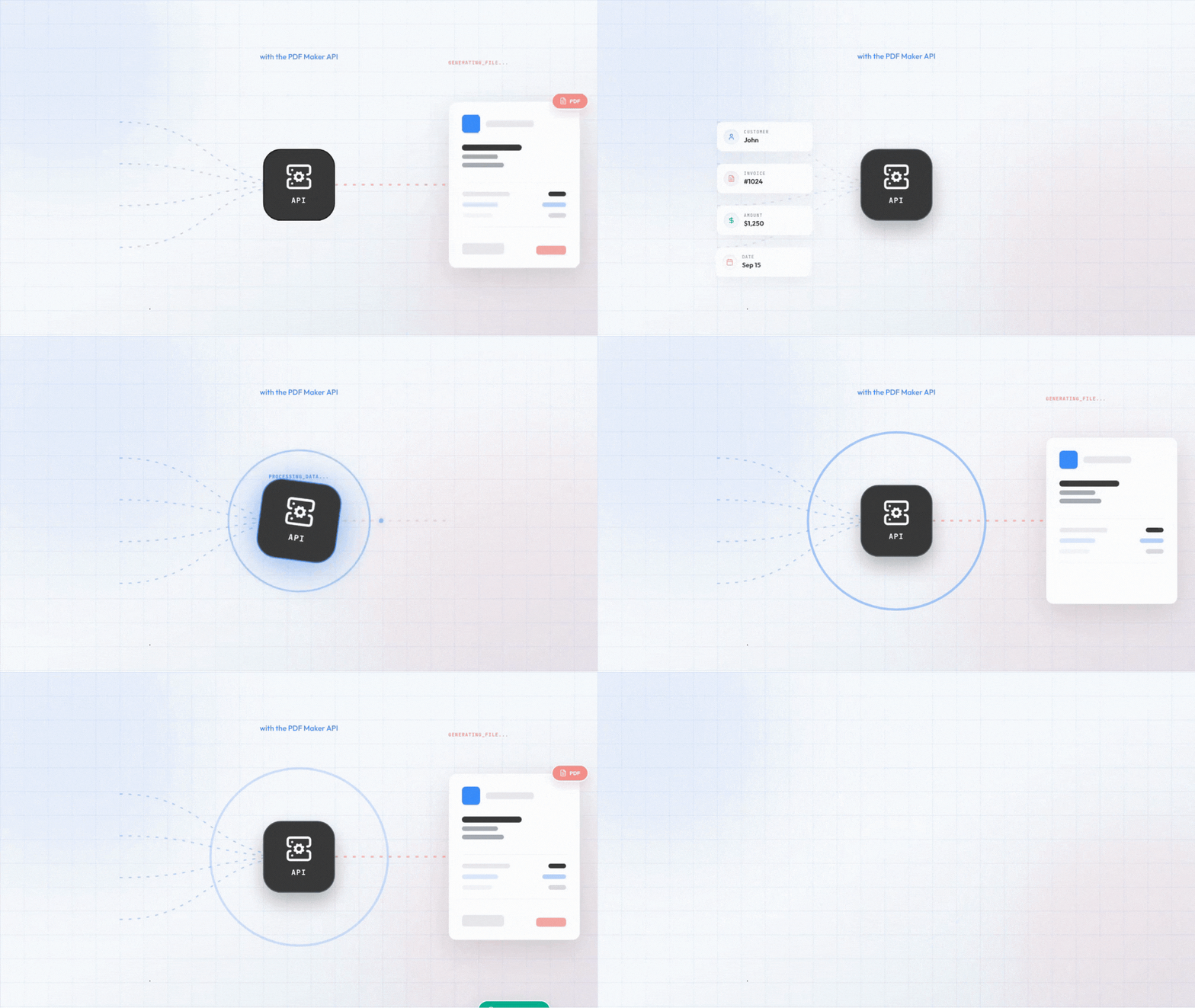
Generate PDFs automatically
1M+
Documents created
85%
Time saved
99%
User Satisfaction
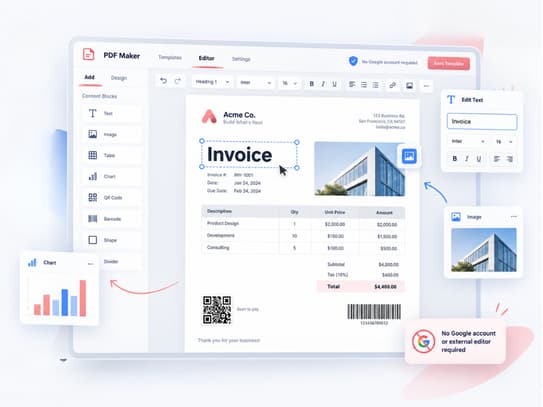
Create and customize your PDF templates directly inside PDF Maker. No Google account or external editor is required to get started.
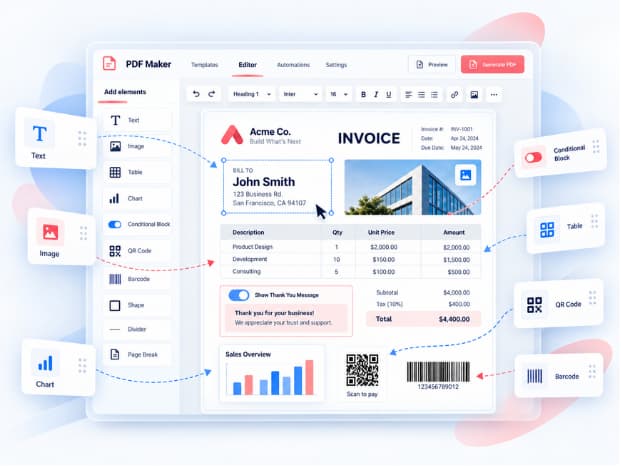
Add text, images, line items, conditional blocks, barcodes, QR codes, and charts to build dynamic PDFs for different workflows.
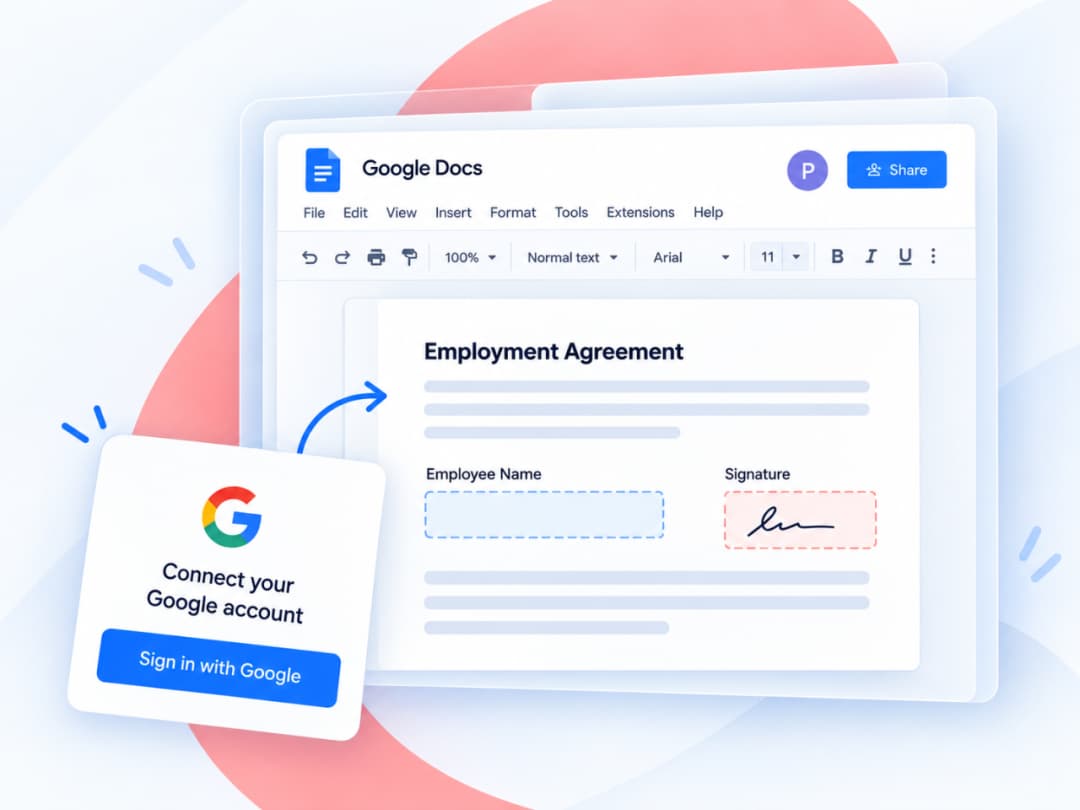
Prefer working in Google Docs? You can continue using the Google Docs editor by connecting your Google account. Connect it only when you specifically need it.
Get started for free with 20 documents. Upgrade anytime.
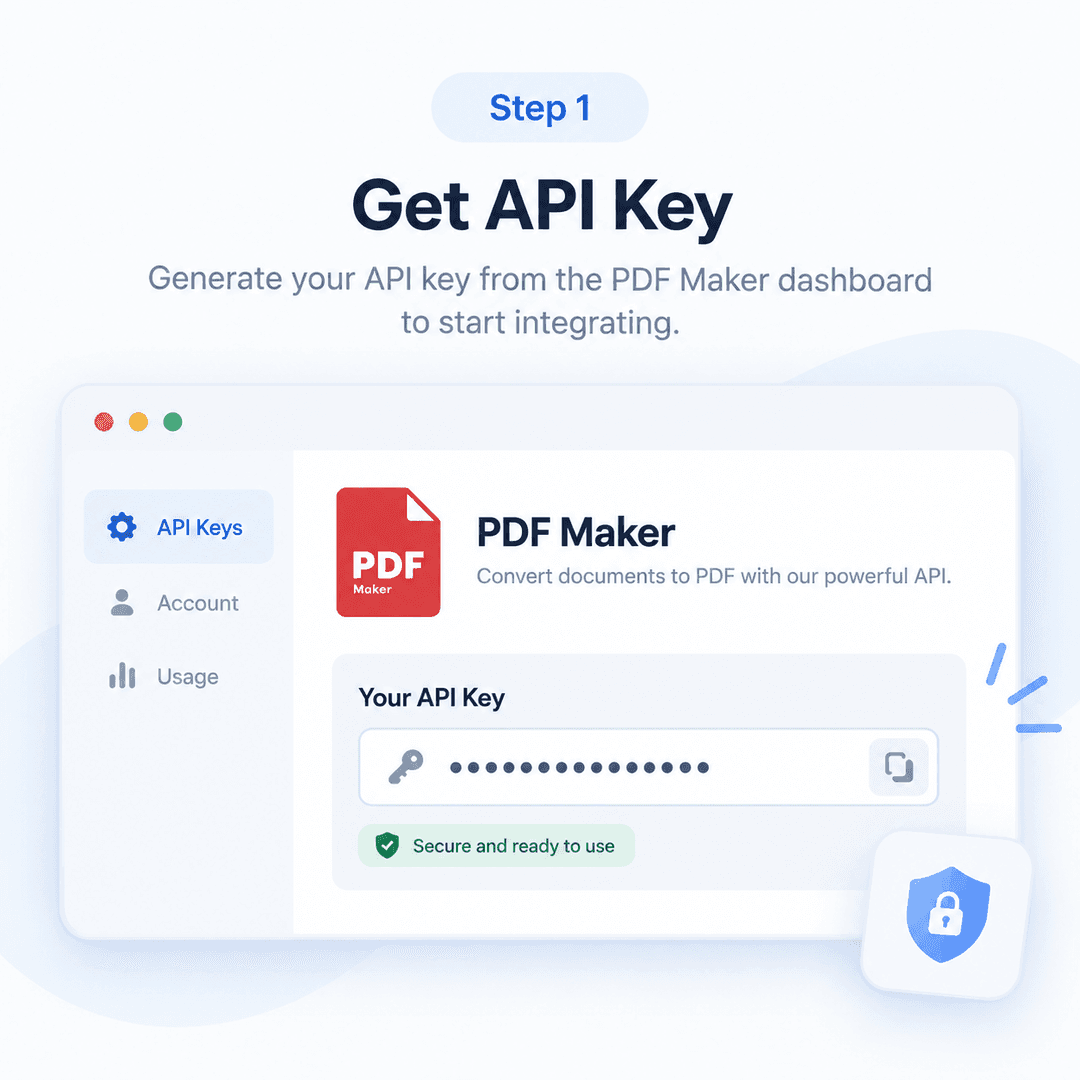
Integrate PDF Maker API with your website, product, CRM, or internal system.
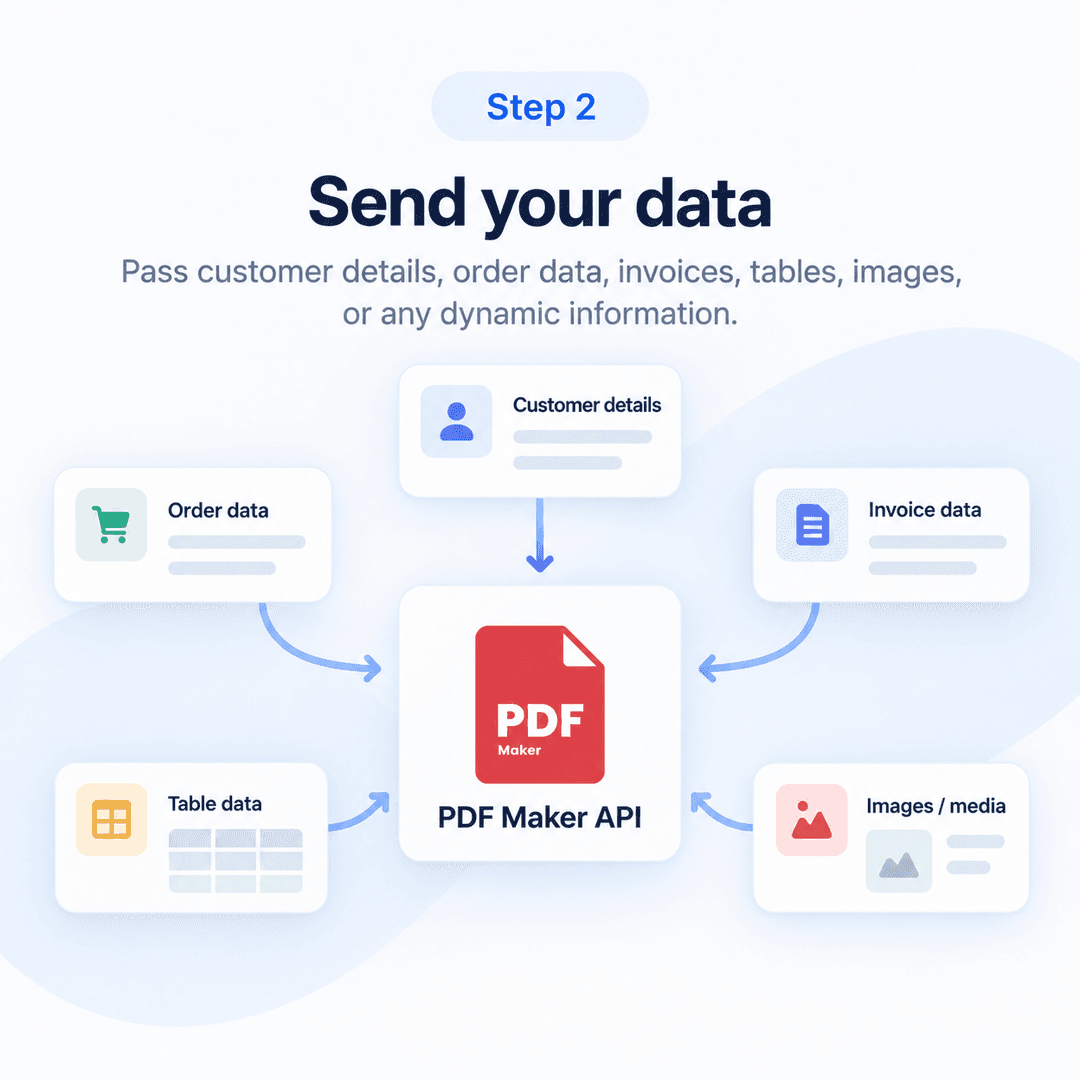
Pass customer details, order data, invoices, tables, images, or any dynamic information.
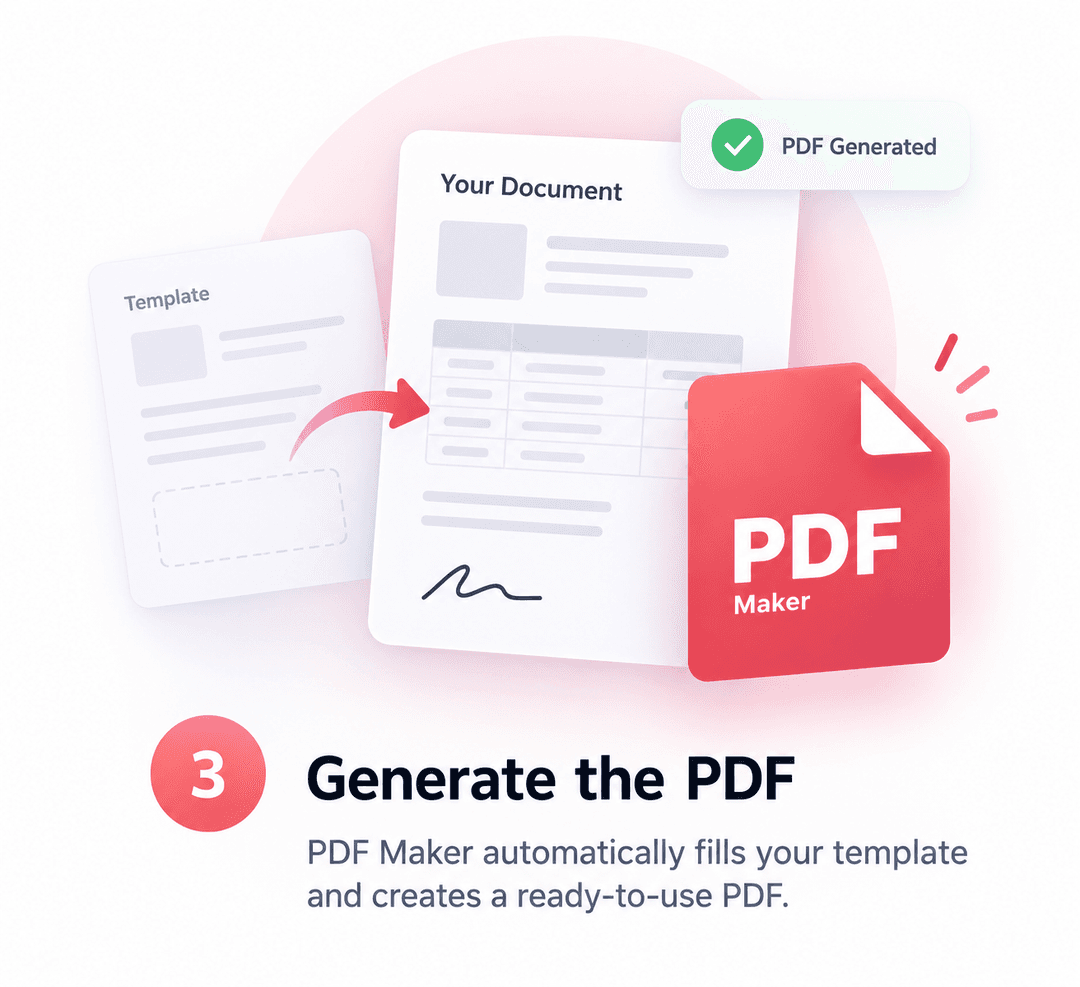
PDF Maker automatically fills your template and creates a ready-to-use PDF.
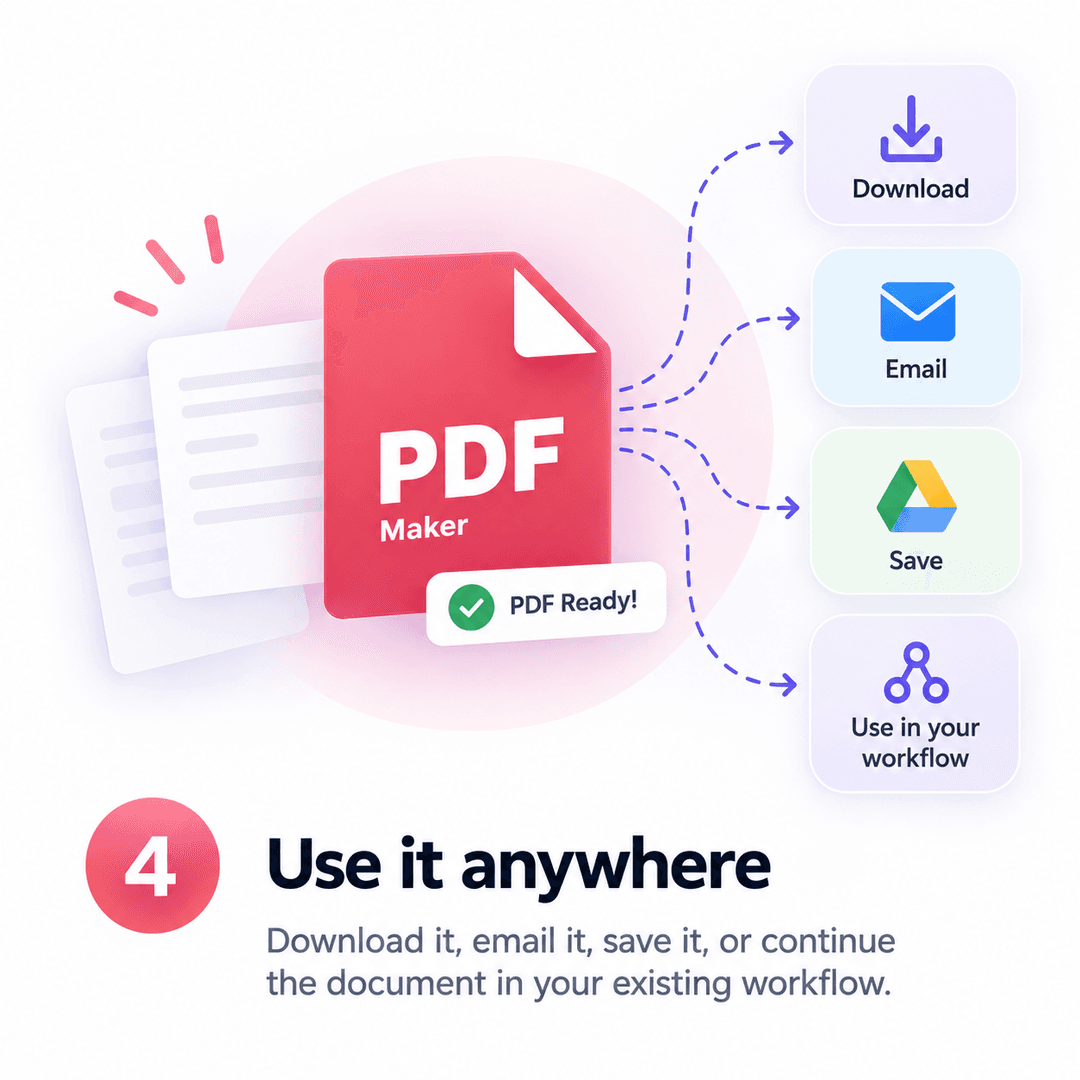
Download it, email it, save it, or continue the document in your existing workflow.
Get started for free with 20 documents. Upgrade anytime.
Pull data from your data source to create professional documents.
Use your Airtable records to create documents with automations and triggers using PDF Maker - Automate Documents.
Select Source
Effortlessly generate documents using your Notion database with PDF Maker - Automate Documents.
Select Source
Utilize Google Sheets as your data source to seamlessly generate documents with PDF Maker - Automate Documents.
Select Source
Automatically generate documents from Google Forms responses using PDF Maker - Automate Documents upon form submission.
Select Source
Automate your PDF generation process with PDF Maker - Automate Documents and Make by integrating other business tools.
Select Source
Integrate PDF Maker - Automate Documents easily with your tools using our REST API for seamless document generation.
Select Source
Automate your PDF generation process with PDF Maker - Automate Documents and Zapier by integrating other business tools.
Select Source
Create custom workflows with N8N to automatically generate PDFs from your data sources using PDF Maker - Automate Documents.
Select Source
Automatically generate PDF documents from your LeadConnector CRM data to streamline your lead management and document workflows.
Select Source
Automate PDF generation from your HubSpot CRM objects and integrate seamlessly with workflows to instantly create professional documents, proposals, and reports.
Select Source
Automatically generate PDF documents from your Pipedrive CRM objects to streamline workflows and improve client communications.
Select Source
Automatically create PDF documents from Zoho CRM records, leads, and deals to streamline your sales documentation and reporting.
Select Source
If you can't find your preferred data source, simply request a new one for PDF Maker - Automate Documents.
Request SourceGet started for free with 20 documents. Upgrade anytime.
All the features you need to create and automate your documents.
Create stunning templates for invoices, proposals, contracts, and any other document you need, right in Google Docs or Word.
Dynamic Variables (placeholders)
Curly brackets define variables that will be replaced with your data when you generate PDFs.
Generate multiple PDFs simultaneously, saving time and reducing effort.
Invite your team members to collaborate on workflow and templates.
PDF Maker - Automate Documents supports dates and currencies for most regions in the world.
Dynamically generate line items on invoices, proposals, and other documents with PDF Maker - Automate Documents intuitive templating engine.
Add images dynamically to your documents. This allows you to create visually appealing documents that include images of your products or services.
Create dynamic tables in your documents. This can be used to add rows dynamically to your tables.
Create dynamic tables with images in your documents. This can be used to add rows dynamically to your tables with images.
Create and edit your documents with the familiar interface of Google Docs or WYSIWYG editor.
Connect your documents to other parts of your business workflow, such as your CRM system or your accounting software.
Integrate PDF Maker - Automate Documents with other business tools using our API. This allows you to connect your documents to other parts of your business workflow.
Get started for free with 20 documents. Upgrade anytime.
Read what our users have to say about our product.

Education Officer
Easy to use, works well with Airtable, especially the automations. Customer service is excellent.

Project manager
It gives me quick and easy solution to generate nice PDFs directly from my Airtable base

Content Marketing Manager
PDF Maker is a lifesaver for anyone who has to create a lot of PDFs on a regular basis.

Real Estate Agent
This is the best PDF generator I've ever used. It's fast, reliable, and has a ton of features.
Education Officer
Easy to use, works well with Airtable, especially the automations. Customer service is excellent.
Project manager
It gives me quick and easy solution to generate nice PDFs directly from my Airtable base
Content Marketing Manager
PDF Maker is a lifesaver for anyone who has to create a lot of PDFs on a regular basis.
Real Estate Agent
This is the best PDF generator I've ever used. It's fast, reliable, and has a ton of features.
Education Officer
Easy to use, works well with Airtable, especially the automations. Customer service is excellent.
Project manager
It gives me quick and easy solution to generate nice PDFs directly from my Airtable base
Content Marketing Manager
PDF Maker is a lifesaver for anyone who has to create a lot of PDFs on a regular basis.
Real Estate Agent
This is the best PDF generator I've ever used. It's fast, reliable, and has a ton of features.
Education Officer
Easy to use, works well with Airtable, especially the automations. Customer service is excellent.
Project manager
It gives me quick and easy solution to generate nice PDFs directly from my Airtable base
Content Marketing Manager
PDF Maker is a lifesaver for anyone who has to create a lot of PDFs on a regular basis.
Real Estate Agent
This is the best PDF generator I've ever used. It's fast, reliable, and has a ton of features.

Consultant
I used to spend hours creating PDFs, but now I can do it in minutes with PDF Maker.

Sales Manager
I've been using PDF Maker for a few months now and I'm very happy with it.

Designer
I love how easy it is to create professional-looking PDFs with PDF Maker.

Marketing Manager
I've tried a few PDF generators and PDF Maker is by far the best one I've used.

Product Manager
PDF Maker has saved me so much time. It's a great tool for anyone who needs to create PDFs.
Consultant
I used to spend hours creating PDFs, but now I can do it in minutes with PDF Maker.
Sales Manager
I've been using PDF Maker for a few months now and I'm very happy with it.
Designer
I love how easy it is to create professional-looking PDFs with PDF Maker.
Marketing Manager
I've tried a few PDF generators and PDF Maker is by far the best one I've used.
Product Manager
PDF Maker has saved me so much time. It's a great tool for anyone who needs to create PDFs.
Consultant
I used to spend hours creating PDFs, but now I can do it in minutes with PDF Maker.
Sales Manager
I've been using PDF Maker for a few months now and I'm very happy with it.
Designer
I love how easy it is to create professional-looking PDFs with PDF Maker.
Marketing Manager
I've tried a few PDF generators and PDF Maker is by far the best one I've used.
Product Manager
PDF Maker has saved me so much time. It's a great tool for anyone who needs to create PDFs.
Consultant
I used to spend hours creating PDFs, but now I can do it in minutes with PDF Maker.
Sales Manager
I've been using PDF Maker for a few months now and I'm very happy with it.
Designer
I love how easy it is to create professional-looking PDFs with PDF Maker.
Marketing Manager
I've tried a few PDF generators and PDF Maker is by far the best one I've used.
Product Manager
PDF Maker has saved me so much time. It's a great tool for anyone who needs to create PDFs.
Here are some of the most frequently asked questions about our product. If you have any other questions, feel free to contact us
Stop wasting time creating documents manually.
Create Invoices, Proposals, Offers, Contracts, Reports, etc. from any data source – No coding skills required.