
The all in one PDF Automation App
Create PDFs, collect eSignatures, build forms, and automate workflows — all inside your monday.com boards with The PDF Maker.




1M+
Documents Created
85%
Time Saved
99%
User Satisfaction
The 3-in-1 Tool to manage documents effortlessly
With The PDF Maker, you can design and generate PDFs from your monday.com boards, create forms to collect responses and signatures, and send out documents for legally binding eSignatures. All your documents stay connected, secure, and easy to track - without ever leaving monday.
PDF Document Generation
Turn your monday.com data into professional, ready-to-share PDFs.
- Design custom layouts → Include items, subitems, updates, tables, and images.
- Generate polished documents → Create invoices, reports, POs, or client summaries.
- Stay organized → Attach generated PDFs back to the same board item.
Form Submission
Collect responses and signatures directly inside monday.com.
- Build custom forms → Create Google-Forms-style forms with fields mapped to your board items or subitems.
- Capture secure data → Gather responses, long answers, file uploads, and even eSignatures.
- Automate workflows → Trigger actions the moment a form is submitted, keeping projects moving without manual work.
eSignatures
Send, sign, and track legally binding documents without leaving monday.com.
- Collect official signatures → Add signature fields to contracts, HR forms, or agreements.
- Ensure compliance → Every signature includes audit trails, timestamps, OTP verification, and encrypted storage.
- Track in real-time → Monitor signer order and status updates directly from your board items.
Simplify document generation – try it today!
Get started for free with 20 documents. Upgrade anytime.
HOW IT WORKS ???
Automate document generation & save time
Takes minutes to set up, saves weeks of work.
Choose Source
Select the data source from which the data will be retrieved, such as Airtable, Google Forms, Google Sheets, Notion, webhooks, and more.
Setup Template
We use the familiar Google Docs interface for creating templates. You can also import your existing Google Docs and MS Word documents.

Setup Automation
Set up the automation trigger based on the selected data source to start the document generation process.
Start Generating
Your documents will be generated and saved in the specified destination once the automation triggers, and you can view them in the run history.
Here’s how different teams automate their Monday workflows

Sales
Generate polished proposals, quotes, and contracts straight from your boards. Send, track, and close deals faster with professional PDFs and instant eSignatures.

HR & Ops
Simplify hiring and onboarding with offer letters, NDAs, and employee forms — all created and signed directly in monday.com. No more manual chasing or scattered paperwork.

Finance
Turn board data into invoices, purchase orders, and reports in just a few clicks. Automate approvals, signatures, and record-keeping while keeping everything tied to your monday boards.

Legal
Ensure every document is accurate, compliant, and auditable. Collect legally binding eSignatures with OTP verification, secure storage, and full audit trails — without leaving monday.
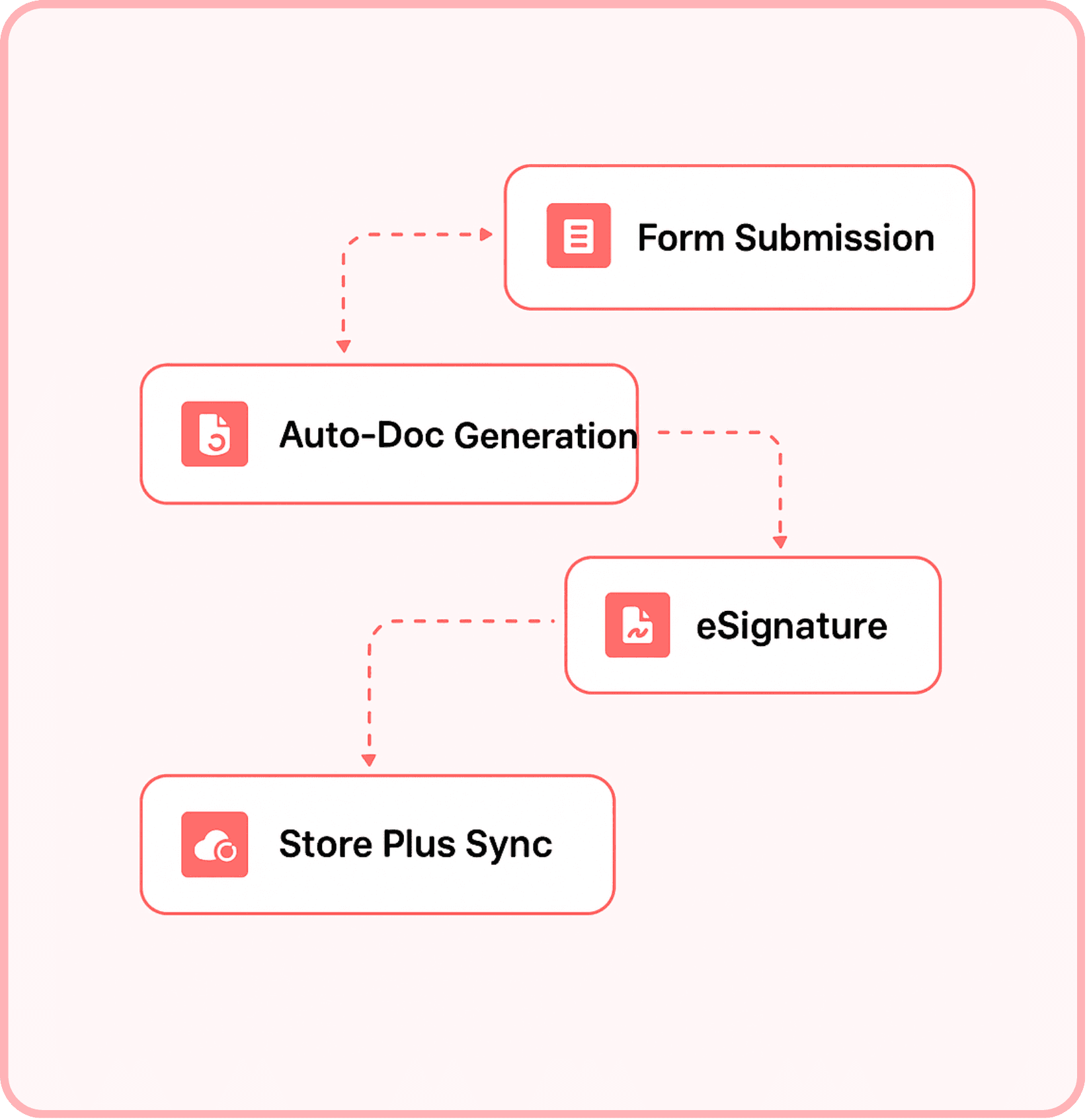
No more bouncing between PDF creators, form builders, and signature apps. BoloSign brings document generation, eSignatures, and approvals into one simple flow — right where your team already works.
Why prefer us over other platforms?
Native to monday.com
No need to switch platforms or pay for extra tools. The PDF Maker works entirely inside monday — your PDFs, forms, and signatures stay connected to your boards.

Secure & Compliant
Every signed document includes audit trails, timestamps, OTP verification, and encrypted storage to meet legal and industry standards.

Flexible Design
Build documents & forms your way. Pull in items, subitems, updates, images, and signatures into fully customized layouts tailored to your business needs.
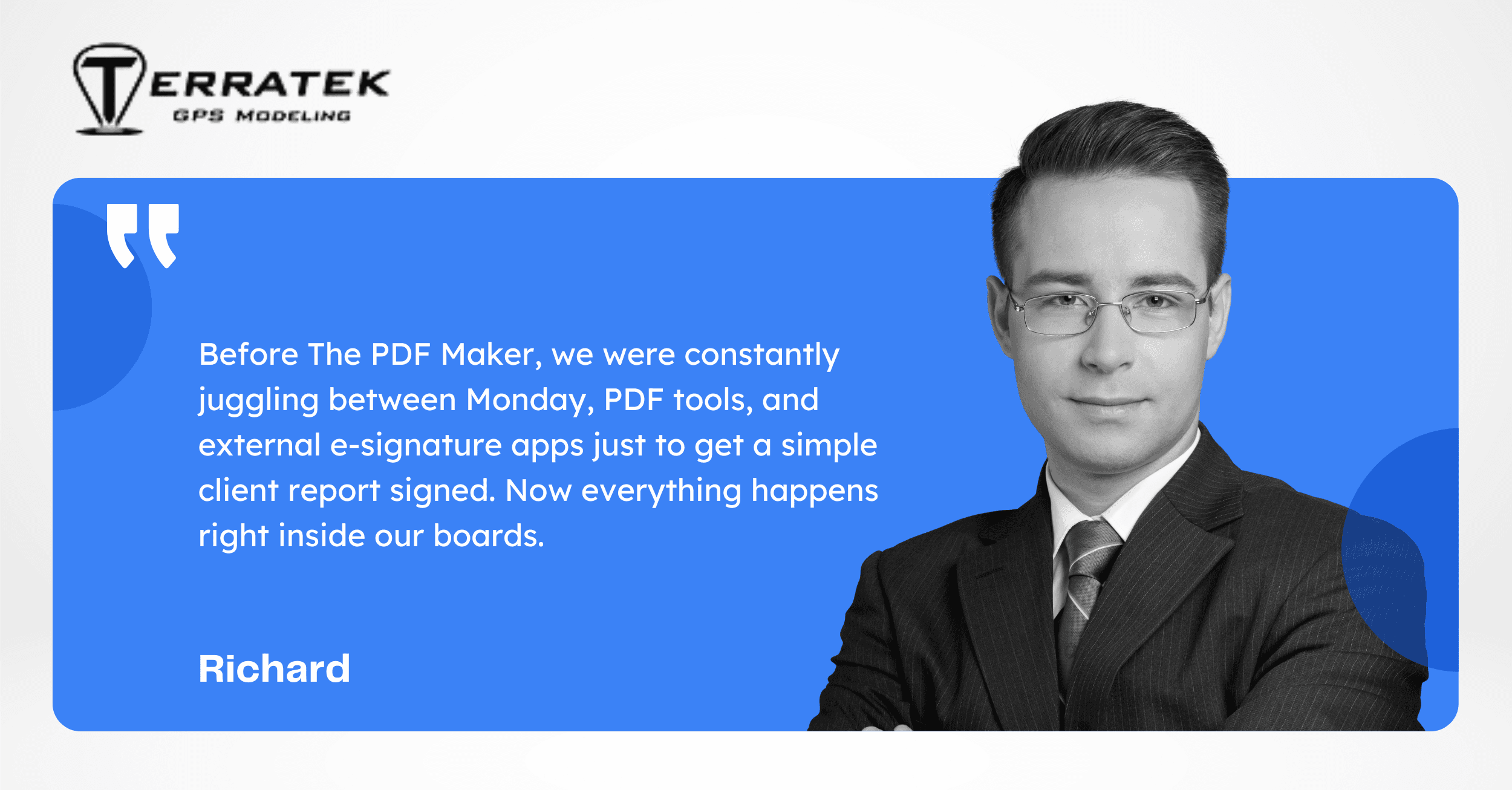
Hear from our customers
Everything you need
All the features you need to create PDFs from your Airtable data.
Google Docs & Word Templates
Create stunning templates for invoices, proposals, contracts, and any other document you need, right in Google Docs or Word.
Dynamic Variables (placeholders)
Curly brackets define variables that will be replaced with your data when you generate PDFs.
Bulk PDF Generation
Generate PDFs in bulk by selecting multiple records in your monday board.
Team Collaboration
Invite your team members to collaborate on workflow and templates.
Dates and Currencies Support
PDF Maker supports dates and currencies for most regions in the world.
Line Item Support
Dynamically generate line items on invoices, proposals, and other documents with PDF Maker's intuitive templating engine.
Dynamic Images
Add images dynamically to your documents. This allows you to create visually appealing documents that include images of your products or services.
Dynamic Tables
Create dynamic tables in your documents. This can be used to add rows dynamically to your tables.
Dynamic Tables with images
Create dynamic tables with images in your documents. This can be used to add rows dynamically to your tables with images.
Feature-rich document editor
Create and edit your documents with the familiar interface of Google Docs.
Third party integrations
Connect your documents to other parts of your business workflow, such as your CRM system or your accounting software.
API Integration
Integrate PDF Maker with other business tools using our API. This allows you to connect your documents to other parts of your business workflow.
Frequently Asked Questions
Here are some of the most frequently asked questions about our product. If you have any other questions, feel free to contact us
Do I need to know how to code?
Can I integrate PDF Maker with other business tools?
Can I use line items in my documents?
Can line items include images?
Can I add images dynamically to my documents?
Can I add tables dynamically to my documents?
Ready to automate your document generation?
Stop wasting time creating documents manually.
Create Invoices, Proposals, Offers, Contracts, Reports, etc. using your airtable data – No coding skills required.