5,000+ businesses1M+ documents generated4.8/5 on CapterraGoogle Docs & Word templates supported
Trusted by 5,000+ Airtable teams
Documint Alternative for Airtable — Google Docs Templates & Unlimited PDFs
Generate PDFs from Airtable records using your existing Google Docs or Word templates. No proprietary editor to learn, no document caps, and native monday.com + HubSpot integrations when your workflow grows.
No credit card20 free PDFsSetup under 5 minHIPAA & GDPR
Quick Answer
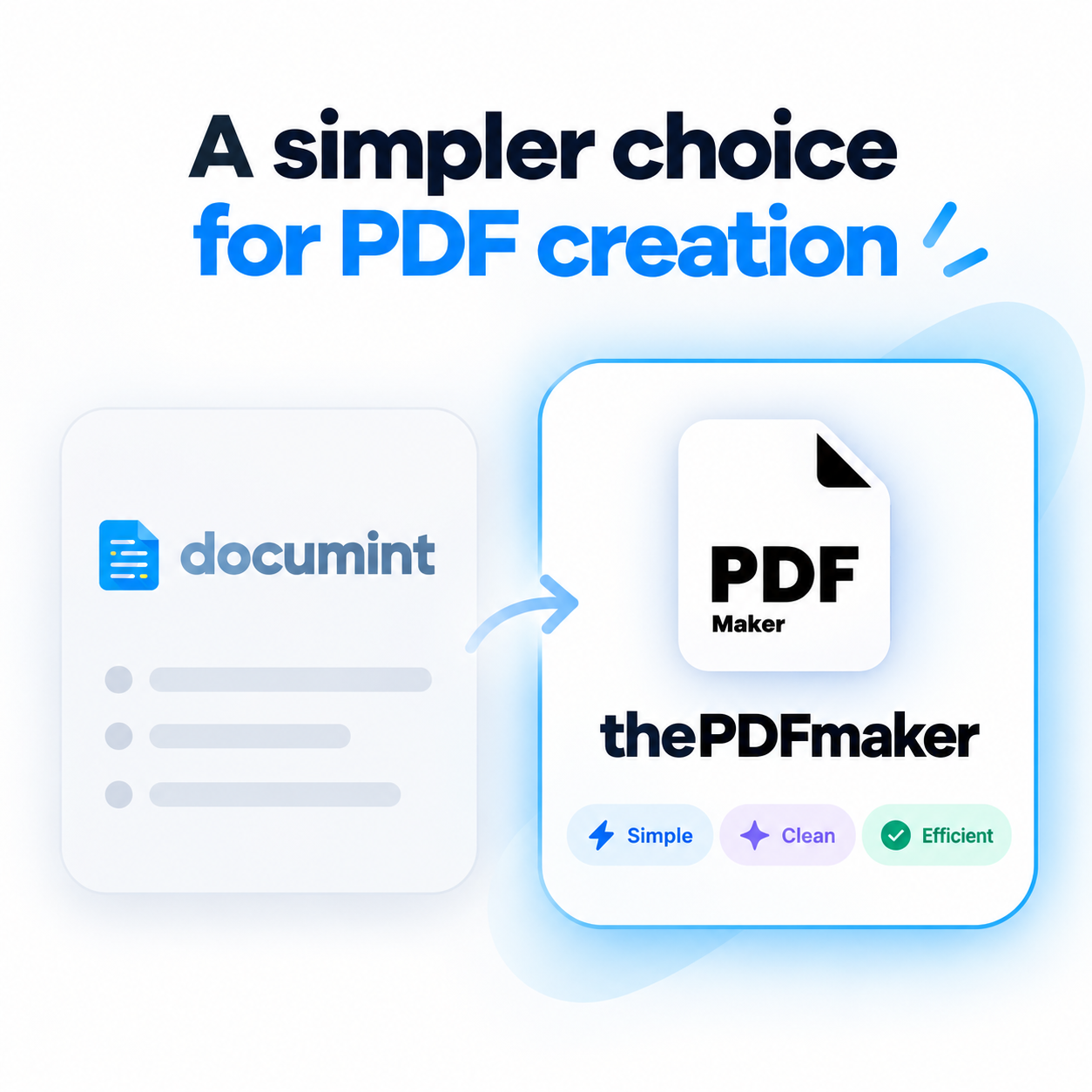
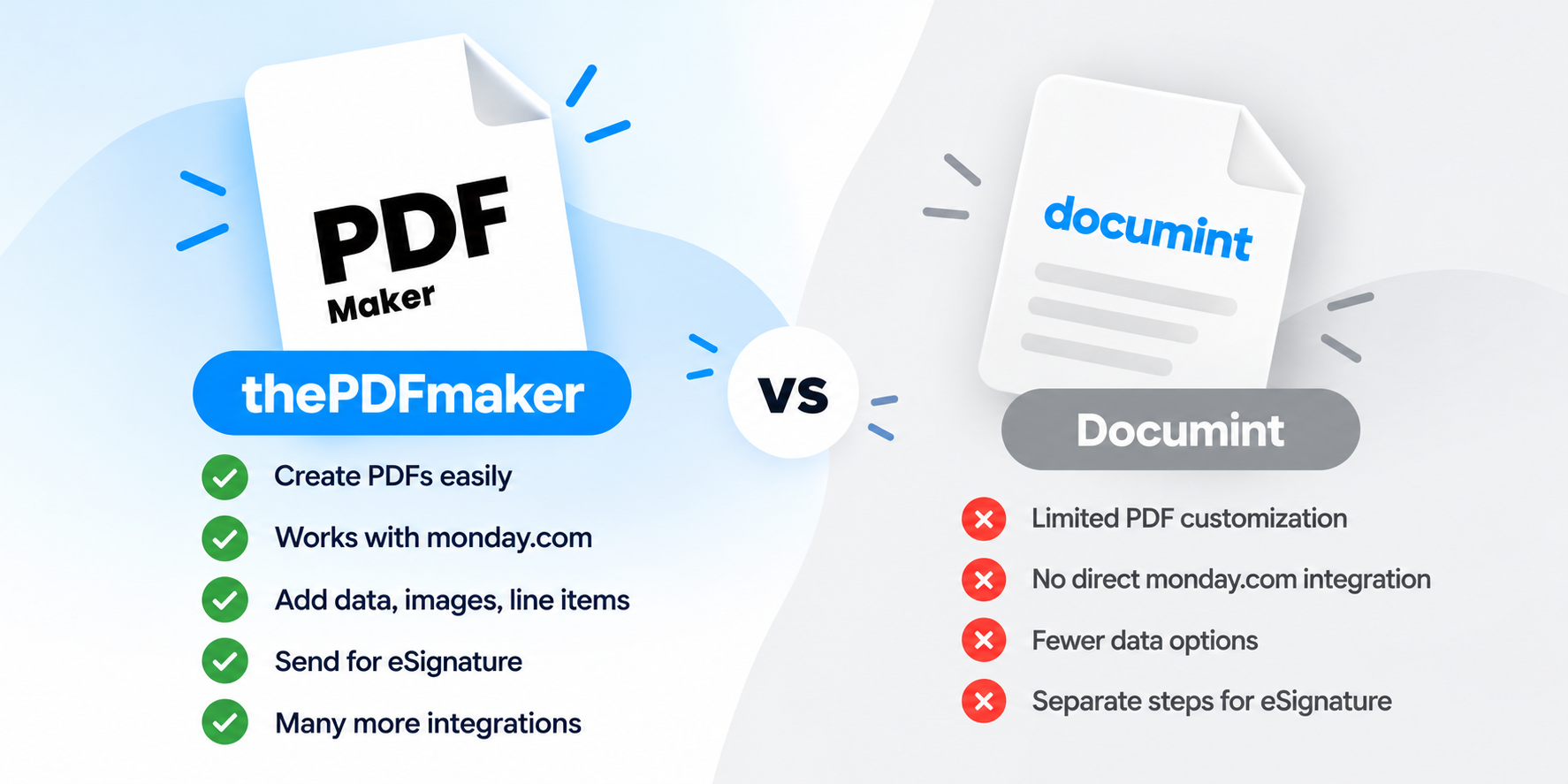
The PDF Maker is a top Documint alternative in 2026, trusted by 5,000+ businesses generating 1M+ documents monthly. Unlike Documint — which requires teams to rebuild every template in its proprietary drag-and-drop editor and caps documents at 200 / 800 / 3,000 per month with $0.15–$0.20 overage fees — The PDF Maker supports Google Docs and Word templates directly, offers unlimited PDFs on every paid plan starting at $29/month, and provides native monday.com and HubSpot integrations alongside its Airtable connector.
1M+
Documents generated
85%
Time saved on avg.
5,000+
Active businesses
4.8/5
Capterra rating
Test it before you switch
See it work with your Airtable records
Choose your data source, pick a document type, and edit any field to see the PDF regenerate live. Airtable users see identical output to Documint — plus 5 more native data sources when you need them.
1Where's your data?
2What are you making?
3Edit any field — see it update
Live preview • No signup • No credit card
Acme Corp
Data from Airtable
INVOICE
#INV-2026-042
Aug 13, 2026
Due: Net 30
Bill To
Acme Corp
123 Business Ave
Suite 400
New York, NY 10001
From
Your Business
456 Enterprise Way
San Francisco, CA 94102
Item
Qty
Rate
Amount
Professional Services
40
$85
$3,400
Software License
1
$1,200
$1,200
Setup & Configuration
1
$300
$300
Subtotal$4,900.00
Tax (0%)$0.00
Total$4,900.00
Generated by The PDF Maker · Data pulled from Airtable
Feature-by-feature
How does The PDF Maker compare to Documint?
Every claim below is verifiable against Documint's public pricing and integrations pages. Where Documint wins, we say so.
You prefer building templates visually in a drag-and-drop editor over Word or Google Docs
Your team is comfortable rebuilding all your document templates from scratch in Documint's proprietary editor
You're generating under 200 documents per month and won't scale — the Silver plan will genuinely fit
You don't need monday.com integration and don't mind paying extra for eSignature via DocuSign
RECOMMENDED
Choose The PDF Maker if…
Most Airtable teams switch when they want familiar templates or hit doc caps.
You already have templates in Google Docs or Word and don't want to rebuild everything
Your team prefers editing documents in tools they already know (Docs / Word) instead of learning a new editor
You want unlimited PDFs — no more $0.15 per document overage charges
You use monday.com alongside Airtable and want one tool for both
You need native eSignature integration instead of paying $30–50/month extra for a separate tool
You want to try your real workflow in the browser before creating an account
Real problems, real fixes
Why do teams switch from Documint?
The four reasons that show up in every migration conversation.
"We already have Google Docs templates"
Documint requires every template to be built in their proprietary drag-and-drop editor — no Word or Google Docs support. Teams migrating in have to rebuild every existing template from scratch, often losing formatting and design decisions in the process.
The PDF Maker supports Google Docs and Word templates directly. Upload what you already have. Zero rewrite cost, zero new editor to learn.
"We hit 200 docs mid-month — every month"
Documint's Silver plan ($30) caps at 200 documents. Gold ($80) is 800. Every extra doc costs $0.15–$0.20. Growing teams either upgrade or watch overage fees pile up quietly on the invoice.
Every paid PDF Maker plan is unlimited. No overage fees. No document counting. No mid-month surprises.
"We use monday.com too"
Documint has no native monday.com integration. Teams using both Airtable and monday.com end up either duplicating data across boards or running everything through Zapier — adding cost and failure points.
The PDF Maker is a certified monday.com app — plus native Airtable, HubSpot, Notion and Google Sheets. One tool for every data source.
"Paying twice for eSignature"
Documint doesn't offer native eSignature. Teams that need to sign generated contracts end up paying $30–50/month extra for DocuSign or HelloSign on top of Documint — often more than the base Documint plan itself.
The PDF Maker integrates directly with DocuSign, signNow, and other eSignature providers you already use — no double subscription, no juggling two tools.
What teams say
Teams who left Documint
★★★★★
"We had 30+ Documint templates. Every one had to be rebuilt when we onboarded new hires who didn't want to learn the drag-and-drop editor. Google Docs support alone was worth the switch."
ARAnna R.Ops Manager, Airtable consultancy
★★★★★
"Documint's Gold plan capped at 800 docs. We were hitting 1,100+/month, then paying $0.15 for each overage. Moved to PDF Maker at $29, unlimited. Same Airtable workflow, half the cost."
TNTomás N.RevOps, marketplace startup
★★★★★
"Loved Documint's Airtable integration but we also use monday.com for project delivery. Ended up with two doc tools until we found PDF Maker — native to both."
EKEmma K.Studio Director, design agency
Migration made simple
Documint locks templates in. We don't.
Documint's proprietary editor means templates can't be exported. But most teams find rebuilding in familiar Google Docs takes less time than the original Documint build — because the editor is one everyone already knows.
Book a free 30-min migration call. Our team helps rebuild your first templates.
The real math
How much would you save vs Documint?
Slide to your actual monthly document count. See what each tool would cost.
500documents per month
Documint
$80
per month · plus $0.15/overage
BEST VALUE
The PDF Maker
$29
per month · unlimited PDFs
You'd save $612 per year — plus unlimited PDFs, Google Docs template support, and native monday.com integration.
Documint pricing reflects public Capterra-verified tiers as of 2026 (Silver $30/200 docs · Gold $80/800 docs · Platinum $150/3,000 docs · $0.15/document overage). Add-on eSignature costs ($30–50/mo via DocuSign) not included.
Try before you migrate
Don't switch yet. Prove it first.
Take one document you currently generate from Airtable with Documint. Recreate it in The PDF Maker using a Google Doc template with your real Airtable records. If it doesn't work for your workflow, you've lost nothing.
Frequently asked questions about Documint alternatives
What is the best Documint alternative in 2026?
The PDF Maker is a leading Documint alternative in 2026, trusted by 5,000+ businesses generating over 1 million documents monthly. Unlike Documint — which requires teams to rebuild every template in its proprietary drag-and-drop editor and caps documents at 200 / 800 / 3,000 per month — The PDF Maker supports Google Docs and Word templates directly, offers unlimited PDFs on every paid plan starting at $29/month, and adds native monday.com integration alongside Airtable, HubSpot, Notion and Google Sheets.
Does The PDF Maker integrate with Airtable like Documint?
Yes — natively. The PDF Maker supports Airtable Button fields, Airtable Automations, and direct API calls (the same three trigger methods Documint offers). You can generate a PDF from any Airtable record with one click, or automate generation on record creation, status change, or any Airtable event.
Can I use my existing Google Docs templates?
Yes — this is one of the biggest differences. The PDF Maker supports both Google Docs and Microsoft Word templates directly. Documint does not support either; every template must be built from scratch in Documint's proprietary drag-and-drop editor, which is the top complaint from teams migrating in.
Does it really have unlimited PDFs?
Yes — every paid plan includes unlimited PDF generation with no monthly caps and no per-document overage fees. Documint's plans are capped: Free (10 documents), Silver ($30/200 docs), Gold ($80/800 docs), Platinum ($150/3,000 docs), plus $0.15–$0.20 per additional document beyond your tier.
How does pricing compare to Documint's plans?
Documint's Silver is $30/month for 200 documents, Gold is $80/month for 800, Platinum is $150/month for 3,000. The PDF Maker starts at $29/month with unlimited PDFs. For teams generating 800+ documents monthly, The PDF Maker typically costs 60–80% less than the equivalent Documint plan — before accounting for Documint's per-document overage fees and required eSignature add-on.
Can I migrate my Documint templates directly?
Because Documint uses a proprietary editor rather than Word or Google Docs, templates cannot be exported and imported elsewhere directly. However, most teams find rebuilding in familiar Google Docs takes less time than the original Documint build — because Google Docs is a tool everyone already knows. We offer a free 30-minute migration call to help rebuild your first templates.
Does it support monday.com and HubSpot?
Yes to both. The PDF Maker is a certified monday.com app and offers native HubSpot CRM integration. Documint does not natively support monday.com (a gap for teams using both Airtable and monday). Both tools support HubSpot natively.
What about eSignature? Documint doesn't include it.
Documint requires a separate paid eSignature tool (DocuSign, HelloSign, signNow), typically adding $30–50/month to total costs. The PDF Maker integrates directly with DocuSign, signNow and other providers — so if you're already using one for signatures, you keep it. No double subscription, no juggling two tools.
Can I test it with my Airtable data before signing up?
Yes — you already can on this page. Scroll to the interactive preview above, keep Airtable selected as your data source, pick a document type (invoice, proposal, contract, quote), and edit any field to see the PDF regenerate in real time. When you're ready for real data, sign up free — 20 PDFs, no credit card required.
Do I need to rebuild everything at once?
No. Start with one template — usually your highest-volume document (typically invoices or proposals). Prove the workflow, then migrate the rest at your own pace. Most Airtable teams complete full migration from Documint within one to two weeks, and many find the new Google Docs templates take less time than the originals did in Documint.


 + 7 more