5,000+ businesses1M+ documents generated4.8/5 on CapterraNative to Airtable, monday.com & HubSpot
Trusted by 5,000+ Airtable teams
Typeflow Alternative — Airtable + monday.com, HubSpot & 10+ More Integrations
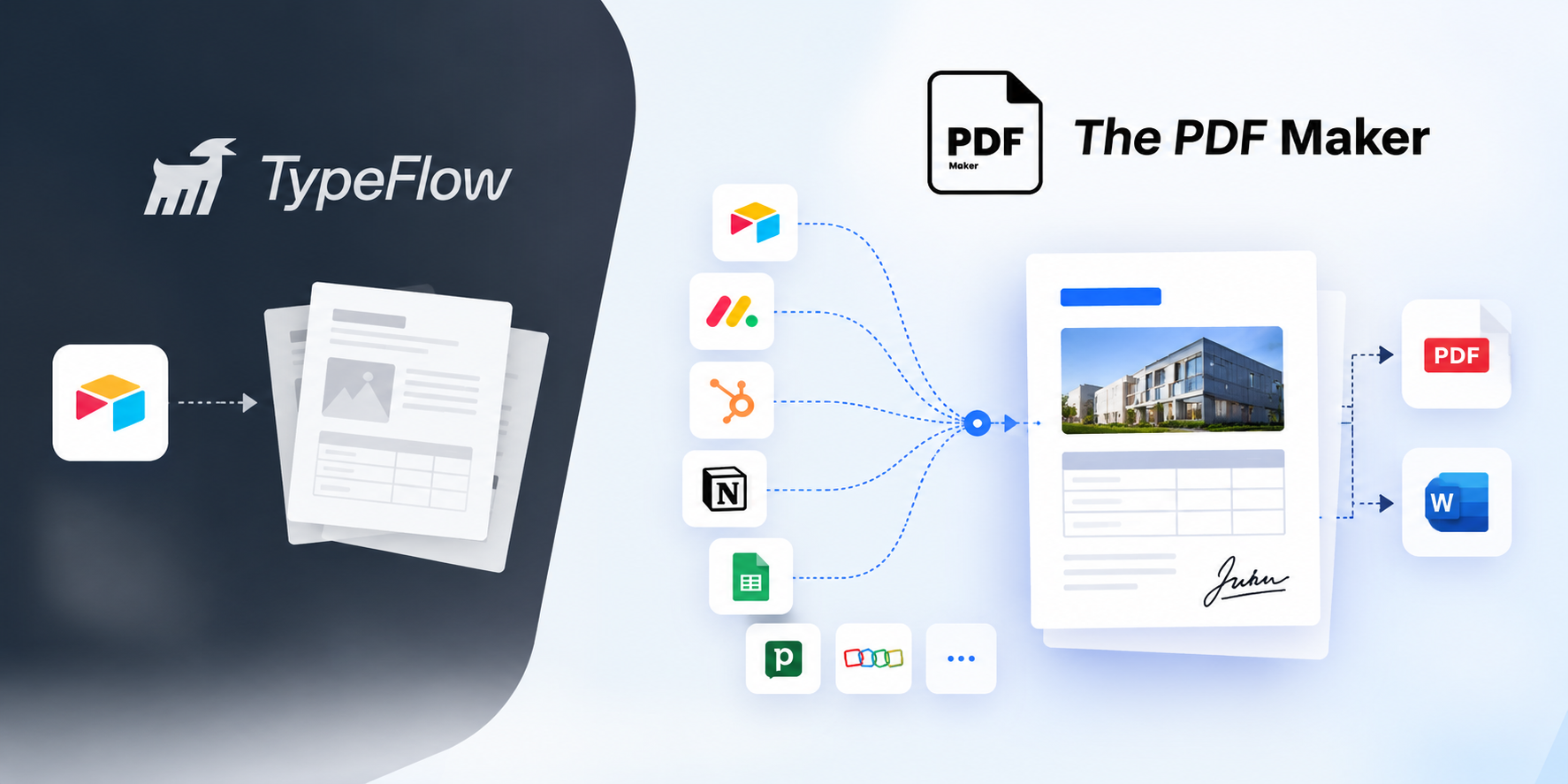
Same Google Docs template workflow. Same native Airtable extension. Plus monday.com, HubSpot, Notion, Google Sheets, Pipedrive and Zoho CRM — none of which Typeflow supports. Unlimited PDFs from $29/month, no annual doc-quota disguise.
No credit card20 free PDFsSetup under 5 minHIPAA & GDPR
Quick Answer
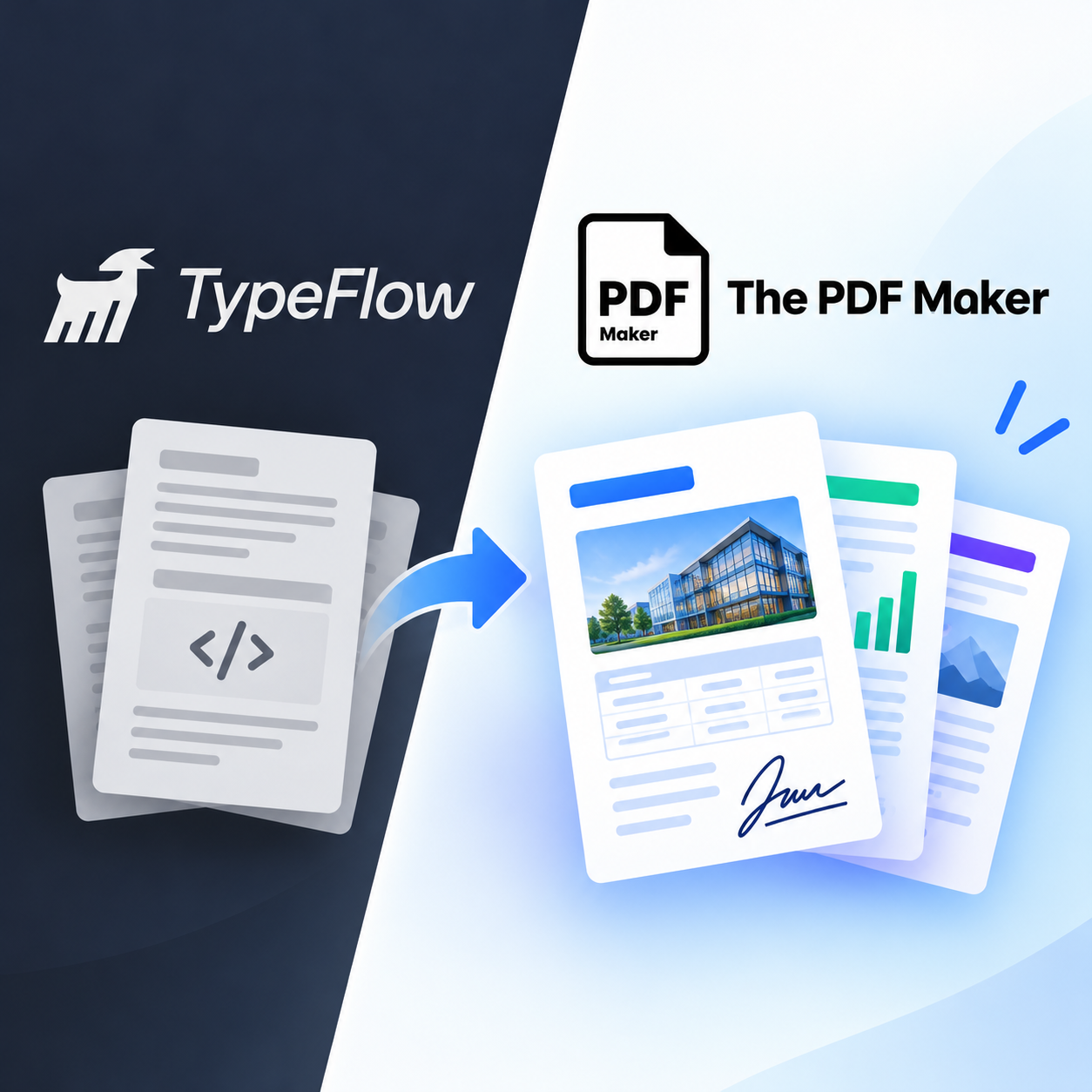
The PDF Maker is a top Typeflow alternative in 2026, trusted by 5,000+ businesses generating 1M+ documents monthly. It matches Typeflow's core strengths — native Airtable extension, Google Docs templates, line items with dynamic tables — and adds native monday.com, HubSpot, Notion, Google Sheets, Pipedrive and Zoho CRM integrations Typeflow does not offer (since Typeflow is Airtable-exclusive). Pricing starts at $29/month with unlimited PDFs, versus Typeflow's annual doc quotas that average $22–$48/month for 200–1,000 docs/month effectively.
1M+
Documents generated
85%
Time saved on avg.
5,000+
Active businesses
4.8/5
Capterra rating
Test it before you switch
See it work with your Airtable data
Pick your data source, choose a document type, and edit any field to see the PDF regenerate live. Airtable users get the same Google Docs template experience Typeflow offers — plus monday.com, HubSpot, Notion, Sheets, and API/webhook triggers Typeflow can't handle.
1Where's your data?
2What are you making?
3Edit any field — see it update
Live preview • No signup • No credit card
Acme Corp
Data from Airtable
INVOICE
#INV-2026-042
Aug 13, 2026
Due: Net 30
Bill To
Acme Corp
123 Business Ave
Suite 400
New York, NY 10001
From
Your Business
456 Enterprise Way
San Francisco, CA 94102
Item
Qty
Rate
Amount
Professional Services
40
$85
$3,400
Software License
1
$1,200
$1,200
Setup & Configuration
1
$300
$300
Subtotal$4,900.00
Tax (0%)$0.00
Total$4,900.00
Generated by The PDF Maker · Data pulled from Airtable
Feature-by-feature
How does The PDF Maker compare to Typeflow?
Every claim below is verifiable against Typeflow's public pricing and integrations pages. Where Typeflow wins, we say so.
Your entire team lives in Airtable only and won't be adding monday.com, HubSpot, or Notion in the next 12–18 months
You need unlimited e-signatures included and don't want a separate DocuSign/PandaDoc subscription (Typeflow's biggest real advantage)
You're building on Softr and want that native integration
You need pixel-perfect HTML/CSS template control for labels, barcodes, or precise layouts
You generate under 200 documents/month and don't need broader integrations
You want bulk label printing with grid layouts (Avery formats) as a first-class feature
RECOMMENDED
Choose The PDF Maker if…
Most teams switch when Airtable becomes one tool among many, or annual doc quotas start hurting.
You use monday.com, HubSpot, Notion, Google Sheets, Pipedrive, or Zoho alongside Airtable — Typeflow supports none of these natively
You want truly unlimited PDFs instead of annual doc quotas (6,000/year sounds big but is only 500/mo)
You need Word (.docx) templates — Typeflow is Google Docs and HTML only
You want a free-forever tier (20 PDFs, no credit card) instead of a 15-day trial that ends
Your CRM is Pipedrive, Zoho or LeadConnector — we're native, Typeflow doesn't support them
You want to test your real workflow in the browser before creating any account
Real problems, real fixes
Why do teams switch from Typeflow?
The four scenarios that show up in every migration conversation.
"Our stack outgrew just Airtable"
Typeflow is exclusively an Airtable extension. Teams that adopt monday.com for project delivery, HubSpot for CRM, or Notion for knowledge management end up either running Typeflow just for Airtable-driven docs — plus a second tool for everything else — or forcing all data back into Airtable through Zapier just to generate PDFs.
The PDF Maker is native to all of them. Certified monday.com app, native HubSpot, Notion, Google Sheets, Pipedrive, and Zoho. One tool for every data source.
"Annual quotas disguised the real limit"
Typeflow markets "6,000 docs/year" or "12,000 docs/year" — which sounds generous until you divide by 12 and realize you're getting 500 or 1,000 documents per month. Growing teams with seasonal spikes hit the annual cap mid-year and have to upgrade or throttle usage.
Every paid PDF Maker plan is unlimited PDFs. No annual budget to plan around, no doc counting, no spike anxiety. Batch-generate 5,000 invoices in one job — no cap.
"Word templates weren't supported"
Typeflow supports Google Docs and its HTML/CSS builder — but not Microsoft Word (.docx). Teams whose legal, HR, or contract templates already live in Word have to rebuild them in Google Docs before Typeflow will process them.
The PDF Maker supports Google Docs AND Word (.docx) templates directly. Upload your existing Word contracts as-is — no rebuild, no format conversion.
"15-day trial ended before we tested everything"
Typeflow offers a 15-day trial with unlimited PDFs — generous for a fast validation, but tight if you want to build one workflow, test it in real conditions, and validate the second before your team commits. The trial ends, then you're locked into a paid plan to keep exploring.
The PDF Maker offers a free tier forever — 20 PDFs/month, no credit card, no time limit. Test one workflow, then another, then another. Upgrade only when you're ready.
What teams say
Teams who left Typeflow
★★★★★
"Typeflow was great when everything was in Airtable. Then we adopted monday.com for delivery and HubSpot for sales — suddenly Typeflow only covered a third of our workflows. PDF Maker handles all three natively."
EMElena M.COO, professional services firm
★★★★★
"The '6,000 docs/year' framing looked massive on Typeflow's pricing page. Then Q4 hit and we blew through it in October. Switched to PDF Maker at $59 unlimited — no more calendar math."
KRKavya R.Ops Manager, e-commerce brand
★★★★★
"Legal team refused to give up their Word contract templates. Typeflow doesn't accept .docx. PDF Maker did — no rebuild. Migration took a Saturday morning."
MOMarcus O.Head of RevOps, SaaS
Same templates, same formats
Migration is easier than you think.
Typeflow and The PDF Maker both use Google Docs templates with the same merge tag syntax. Your existing Google Docs templates transfer directly — no rebuild required. The only conversion needed is for Typeflow's HTML/CSS builder templates, which get recreated in Google Docs.
Bring your existing Typeflow Google Doc. Merge tags map 1:1.
The real math
How much would you save vs Typeflow?
Slide to your actual monthly document count. See what each tool would cost.
500documents per month
Typeflow
$28
per month · annual doc quota
BEST VALUE
The PDF Maker
$29
per month · unlimited PDFs
Beyond the price, you get unlimited PDFs (no annual quota to plan around), Word template support, and native monday.com, HubSpot, Notion, Sheets, Pipedrive & Zoho — none of which Typeflow offers.
Typeflow pricing reflects their public 2026 tiers, annual billing: Basic $22/mo (200 docs/mo), Most Popular $28/mo ($336/year for 6,000 docs/year averaging 500/mo), Growth $48/mo ($576/year for 12,000 docs/year averaging 1,000/mo), Agency for higher volumes. Below 200 docs/month, Typeflow's $22 Basic is cheaper. Above 500/month, PDF Maker's unlimited plans win — especially when you factor in months with seasonal spikes.
Try before you migrate
Don't switch yet. Prove it first.
Take one document you currently generate from Airtable with Typeflow. Recreate it in The PDF Maker with your real records — same Google Doc template works directly. If it doesn't work for your workflow, you've lost nothing.
Frequently asked questions about Typeflow alternatives
What is the best Typeflow alternative in 2026?
The PDF Maker is a leading Typeflow alternative in 2026, trusted by 5,000+ businesses generating over 1 million documents monthly. It matches Typeflow's core strengths — Airtable-native workflow, Google Docs templates, line items with dynamic tables, conditional logic — and adds native monday.com, HubSpot, Notion, Google Sheets, Pipedrive and Zoho CRM integrations (which Typeflow doesn't offer since it's Airtable-exclusive), unlimited PDFs from $29/month, Word (.docx) template support, and a free-forever tier.
Does The PDF Maker support Airtable as well as Typeflow?
Yes. The PDF Maker offers a native Airtable extension with the same trigger methods Typeflow supports: Button field for one-click generation, Automation scripts for auto-generation on record events, and API/webhook calls. Line items from linked tables and nested tables are fully supported, matching Typeflow's dynamic table functionality.
Does it support Google Docs templates like Typeflow?
Yes. Build templates in familiar Google Docs — the same editor Typeflow uses. Placeholder syntax and merge tags work the same way, and dynamic tables for line items behave identically. Migrating existing Typeflow templates is straightforward — same underlying Google Doc format, same merge tag conventions. The PDF Maker also supports Microsoft Word (.docx) templates, which Typeflow does not.
Does it integrate with monday.com, HubSpot and Notion?
Yes to all three — natively. The PDF Maker is a certified monday.com app, offers native HubSpot CRM integration, and native Notion integration. Typeflow is exclusively an Airtable extension, so it doesn't integrate with monday.com, HubSpot, Notion, Google Sheets, Pipedrive, or Zoho. Teams whose data lives across multiple tools typically need this broader coverage.
How does pricing compare to Typeflow?
Typeflow uses monthly subscriptions with annual doc quotas: Basic $22/mo (200 docs/mo), Most Popular $28/mo ($336/year for 6,000 docs/year — averaging 500/mo), Growth $48/mo ($576/year for 12,000 docs/year — averaging 1,000/mo), Agency for higher volumes. The annual-quota framing can disguise monthly limits, especially for teams with seasonal spikes. The PDF Maker offers unlimited PDFs starting at $29/month — no annual budgets to plan around. Below 200 docs/month, Typeflow's $22 Basic is cheaper. From 500 docs/month onward, PDF Maker's unlimited plans typically win.
Does The PDF Maker include e-signatures like Typeflow?
This is genuinely a Typeflow strength worth acknowledging. Typeflow includes unlimited e-signatures on all paid plans with no per-envelope fees — a real cost advantage over DocuSign/PandaDoc setups. The PDF Maker focuses on document generation and integrates with e-signature tools (Adobe Sign, DocuSign, LeadConnector) rather than including e-signatures directly. If e-signatures are a core requirement and you don't want a separate subscription, Typeflow may fit better for that specific use case.
What about Softr integration and HTML/CSS templates?
Typeflow has native Softr integration and an HTML/CSS template builder alongside Google Docs — both are real strengths for teams on those stacks. The PDF Maker doesn't have native Softr integration (Zapier works as fallback) and focuses on Google Docs and Word as the primary template formats. If Softr is central to your product or you need HTML/CSS pixel-perfect template control (labels, barcodes, precise layouts), Typeflow may fit better; otherwise, PDF Maker's broader integration coverage typically wins.
Can I migrate my Typeflow templates directly?
Yes — quickly. Since both Typeflow and The PDF Maker use Google Docs templates with the same merge tag syntax, your existing Google Docs templates transfer directly. No rebuild needed for standard Google Docs templates. Only templates built with Typeflow's HTML/CSS builder need to be recreated in Google Docs. Most migrations complete in 30–60 minutes total.
Is there a free trial or free tier?
Both offer free access with different structures. Typeflow: 15-day free trial with unlimited PDFs during the trial — generous for fast validation, ends after 15 days. The PDF Maker: free forever plan with 20 PDFs/month, no credit card, no time limit — better for teams that want to migrate workflows over weeks rather than commit within 15 days. Paid plans on both start around $22–29/month.
Is Typeflow a good tool?
Yes — for the right use case. Typeflow is a well-built, Airtable-exclusive document automation tool with genuine strengths: unlimited included e-signatures, native Softr integration, HTML/CSS template builder for precise layouts, and dynamic tables with nested and loop support. If your team lives entirely in Airtable and you need included e-signatures, Typeflow is a strong choice. Teams typically migrate away when they add monday.com, HubSpot, or Notion to their stack, when annual doc quotas start hurting, or when they need Word template support.
Can I test it with my Airtable data before signing up?
Yes — you already can on this page. Scroll to the interactive preview above, keep Airtable selected, pick a document type (invoice, proposal, contract, quote), and edit any field to see the PDF regenerate in real time. When you're ready for real data, sign up free — 20 PDFs, no credit card required, no 15-day countdown.